Ordering and kitchen
Every order, on time, in the right place!
Waiters or guests send the order, each item goes to the station that makes it, shows up on its screen and prints on its printer. Every table’s bill is ready too, with your service charge and VAT.
Ordering
From the table to the kitchen, in one tap!
Turn on ordering and waiters send each table's order from their phones, straight to the kitchen and bar. If you want, guests can order from the menu themselves too, and your staff confirm each order before it's made.
A pick is never mistaken for an order
Each item a guest picks settles onto the order bar at the bottom of the menu, which says how many aren’t sent yet. Nothing reaches you until they tap “Send order”, and the menu reminds them if they forget.
One order for the whole table
Friends at a table join one order with a four-digit code, see live what everyone is choosing and has sent, and mark each item as their own, shared by everyone or shared by some, so the bill splits per person.
A live board for the kitchen
New orders show up at once on staff phones, each station's screen and its printer, and move from in progress to ready to served. Each station sees only its own items, and whoever accepts an order can give an estimated time, so guests see how long is left.
Bills with service charge and VAT
Every table's bill includes your service charge and VAT, and is settled with one tap. Anything cancelled or removed is logged with who did it and why.
Only orders from your tables
Guests sign in with their phone number and your staff confirm every order. When you're closed or nobody's on a shift, the menu works as before, without ordering.


A list for the waiter
Guests build their order. Your waiter just confirms it!
When guest ordering is off, guests add items with their options to a list, see the total and write any special requests. Your staff take the order at the table faster, and get it right.
Order details at a glance
See selected options, quantities and prices in one place.
A live total
Guests see the total for their selections before ordering.
Easy sharing
Show the list to the waiter as a clear table in one tap, or send it to friends as a receipt with the venue’s logo and colors, the date and the table.


Tables and bills
Every table's order in three steps, every bill without a fuss!
The waiter picks the table, adds the items, reviews and sends. Each table’s bill is right there too, to print, move or settle.
An order in three steps
Table, items, review. Tables with an open bill are marked, and a new order goes on the same bill.
Move a bill to another table
Guests changed tables? Move their bill, with all its orders, to the new one.
Settle the bill and free the table
Once they’ve paid, settle the bill and the table is free for the next guests. If someone left without paying, release the table; their bill stays unpaid.
The unpaid list
Bills closed without payment stay together in one list, so none slip through.
Stations and screens
Each station sees only its own orders!
Set up your kitchen, bar or grill as stations and choose where each category or item is made. Every order splits across the stations by itself, and once they’re all done, the waiter is told.


Every item to its station
Coffee to the bar, pasta to the kitchen. One station can see every order for handing it out, and one can take whatever has no station.
A screen on any TV or tablet
Add a screen in the dashboard and enter its code once on the station’s TV or tablet; from then on, orders show up on it by themselves. Any staff phone or computer can be a screen too.
A layout you design
A kitchen board, a ticket grid, one ticket at a time, item totals, or a ready board for guests.
Timers, sound and ready orders
A late order changes color and new ones arrive with a sound. In Ready orders, an order marked ready by mistake goes back to being made with a tap.
Ticket printing
Every station’s ticket prints by itself!
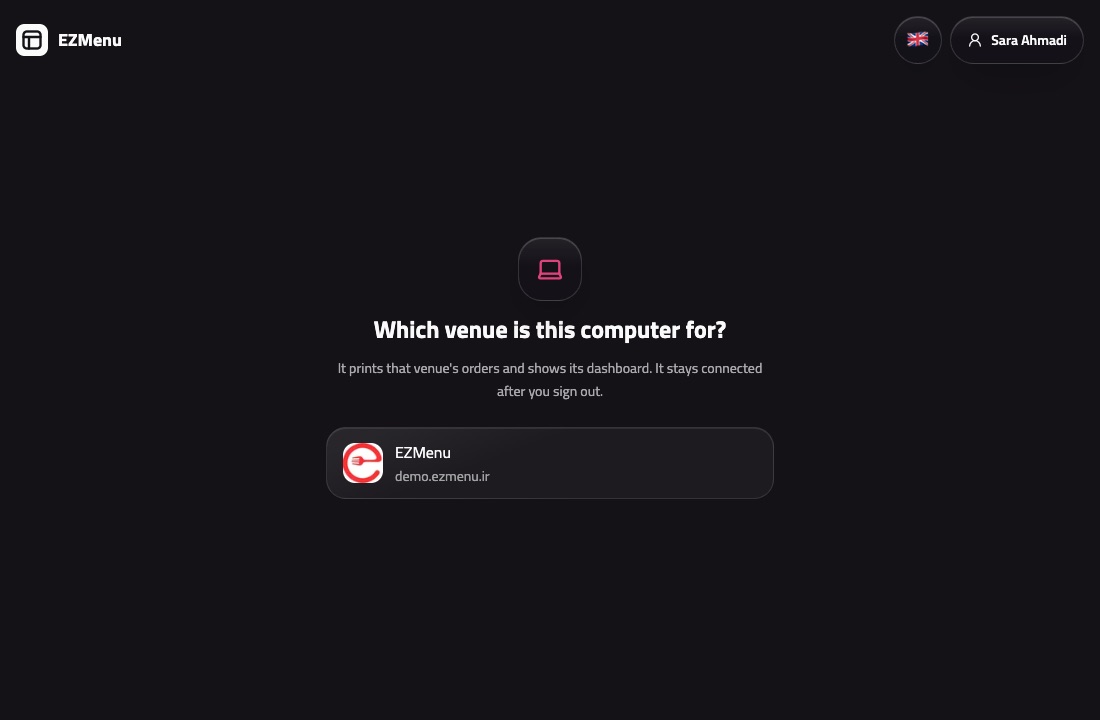
Install the EZMenu desktop app on your venue’s computer, and each station’s order prints on its own printer: guests’ orders as soon as they’re sent or once you accept them, as you choose. Bills and order summaries print from a phone with a tap.
A desktop app for Windows and Mac
The dashboard in a window, notifications like any other app on the computer, and station screens on any display connected to it. Every waiter call shows on it too, whether anyone is on shift or not. It opens when the computer starts and updates itself outside opening hours.
Network printers and the computer’s own
It finds network receipt printers (ESC/POS) by itself and prints to the computer’s own printers too.
Tickets the way you like them
Station tickets, order summaries, bills and cancel slips; with or without prices, with item details and a message at the bottom.
Nothing prints late
Every print shows live on the order’s page. A ticket not printed within a minute won’t print later; your staff are told and reprint it with a tap.

Questions and answers
Got questions? We've got answers.
Can guests order from the menu?
Yes, if you want them to. Turn on ordering and choose whether only your staff send orders or guests too. Guests send their order from their table, signed in with their phone number, and your staff confirm it before it's made. Your service charge and VAT are added to every bill.
Do guests need to sign in to order?
Yes, with their mobile number, so orders only come from real guests at your tables. Browsing the menu and making a list for the waiter need no sign-in.
Can waiters take orders on their own phones?
Yes. In the dashboard a waiter picks the table, adds the items and sends the order; it reaches your stations and their printers at once.
What happens when we're closed?
The menu stays open as always, but no orders come in outside your opening hours.
Does everyone see their own share of the bill?
Yes. Guests at a table say who each item is for, and each sees their share of the table's bill; the service charge and VAT are worked out automatically.
What do I need for a kitchen screen?
Any smart TV, tablet or computer with a browser. Add the screen in the dashboard and enter its code on it once. With the desktop app, a screen also opens full screen on any display connected to the computer.
What do I need to print tickets?
A Windows or Mac computer with the EZMenu desktop app, and a receipt printer connected to that computer or to your venue’s network. After that, bills and order summaries print from any phone too.
What printer do I need?
Any receipt printer on your venue's network (ESC/POS), or any printer installed on the computer. The desktop app finds network printers by itself.
Have another question? Contact us
More of EZMenu
Explore the other parts too.
Digital menu
- Photos, videos and options, in 12 languages
- The theme you like in your colors and font, a printable menu and table QR codes
- Import your menu from a photo, Snappfood, MeNEW or Menusaz

Team and dashboard
- Waiter calls with reasons, live status and guest ratings
- Sales, service and menu insights, with suggestions
- QR sign-in, roles, shifts and blocking guests

AI assistant
- Manage your menu, prices and staff in a few words
- Takes orders, settles and prints bills by chat
- Translates your menu and builds it from a photo

Ready to give your guests a better menu?
Try the demo, or contact us and we'll get your digital menu up and running.